VirtualTablet vs SuperDisplay: Pen Tablet or Second Screen?
If you have an Android tablet with an S Pen and a Windows PC, the two apps you will most often find are SuperDisplay and VirtualTablet. They look similar from a store listing, but they solve different problems: SuperDisplay turns the tablet into a second screen you can draw on, and VirtualTablet turns it into a pen tablet you draw with while you look at your monitor.
Quick Answer: VirtualTablet or SuperDisplay?
Choose SuperDisplay if you want to see your Windows desktop on your Android tablet and draw directly on it, like a small pen display. Choose VirtualTablet if you want a Wacom-style pen tablet, need macOS or Linux, use an iPad or iPhone, or want to start for free. Neither is better in general: one is a screen, the other is a pen.
- SuperDisplay: Android tablet + Windows, shows your PC screen, $19.99 once after a 3-day trial.
- VirtualTablet: Android, iPad, or iPhone + Windows, macOS, or Linux, pen input only, free basic use, paid plan from $1.99 / month, or $29.99 once for lifetime access.
The Real Difference: A Second Screen vs a Pen Tablet
This is the question to answer before comparing anything else.
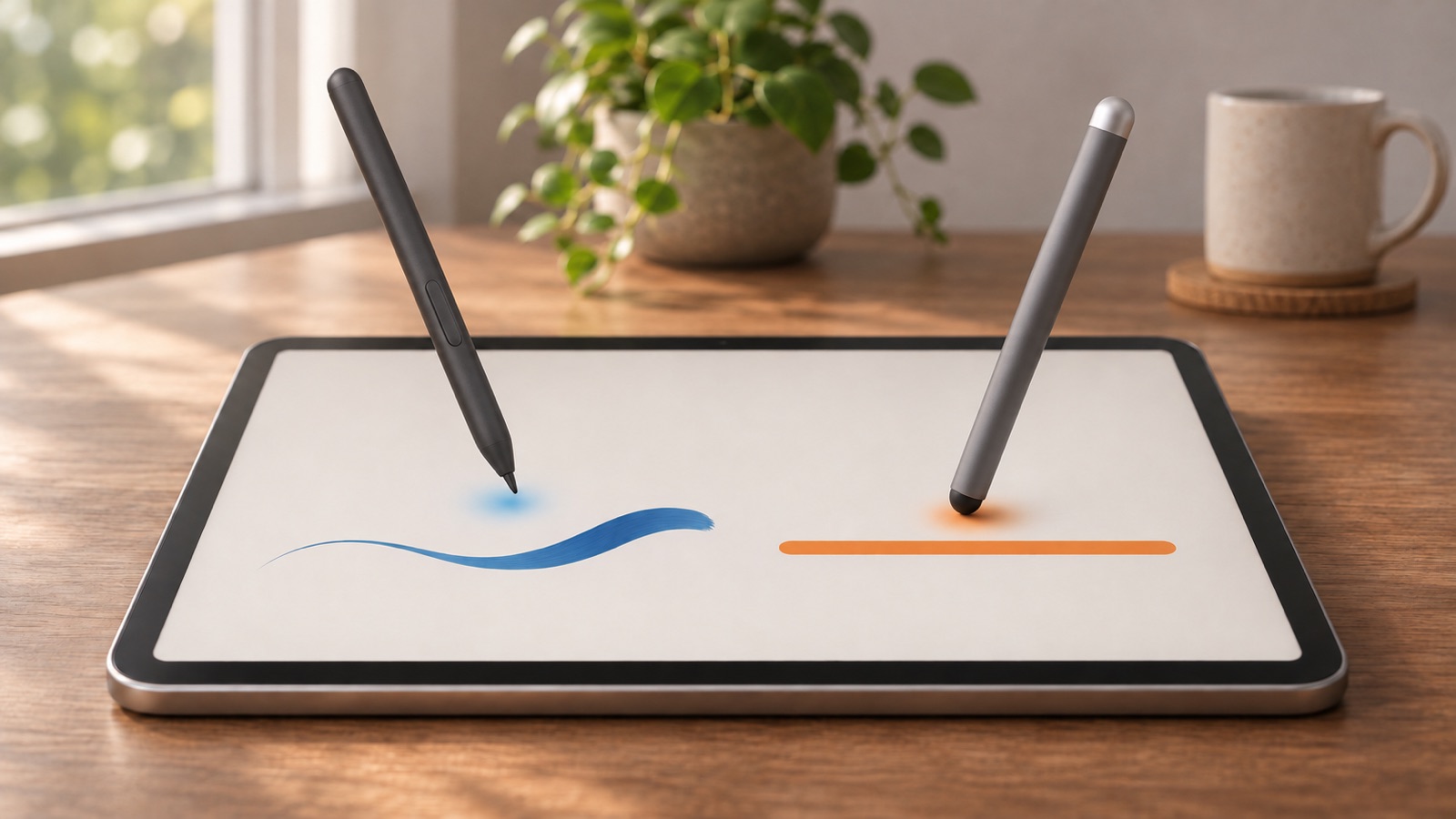
SuperDisplay is a virtual monitor. It installs a display driver on Windows, sends a video of the extended or duplicated desktop to the tablet over USB, and passes your S Pen input back to the PC. You look at the tablet and draw on the picture under your pen, the way you would on a Wacom Cintiq or another pen display.
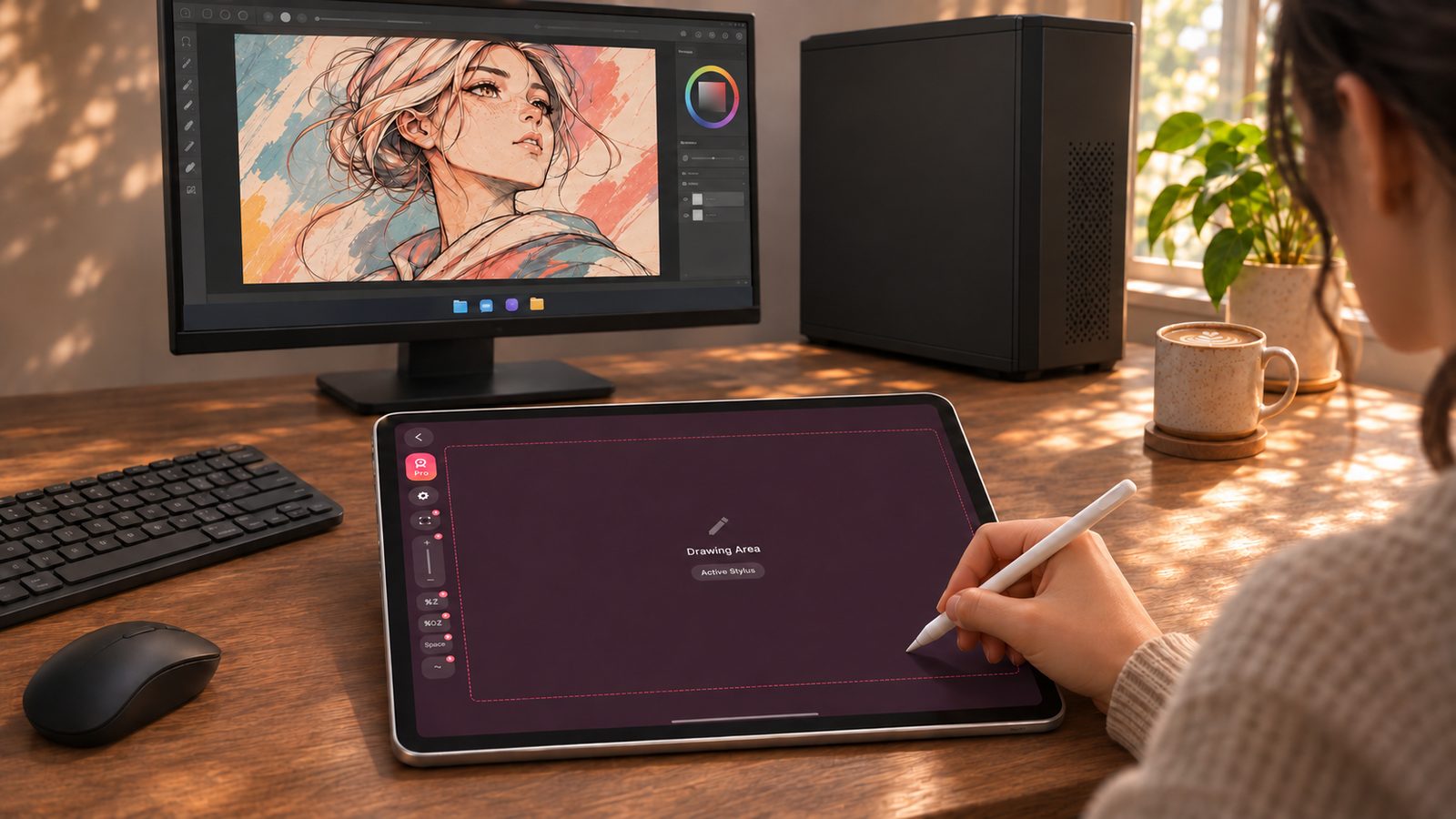
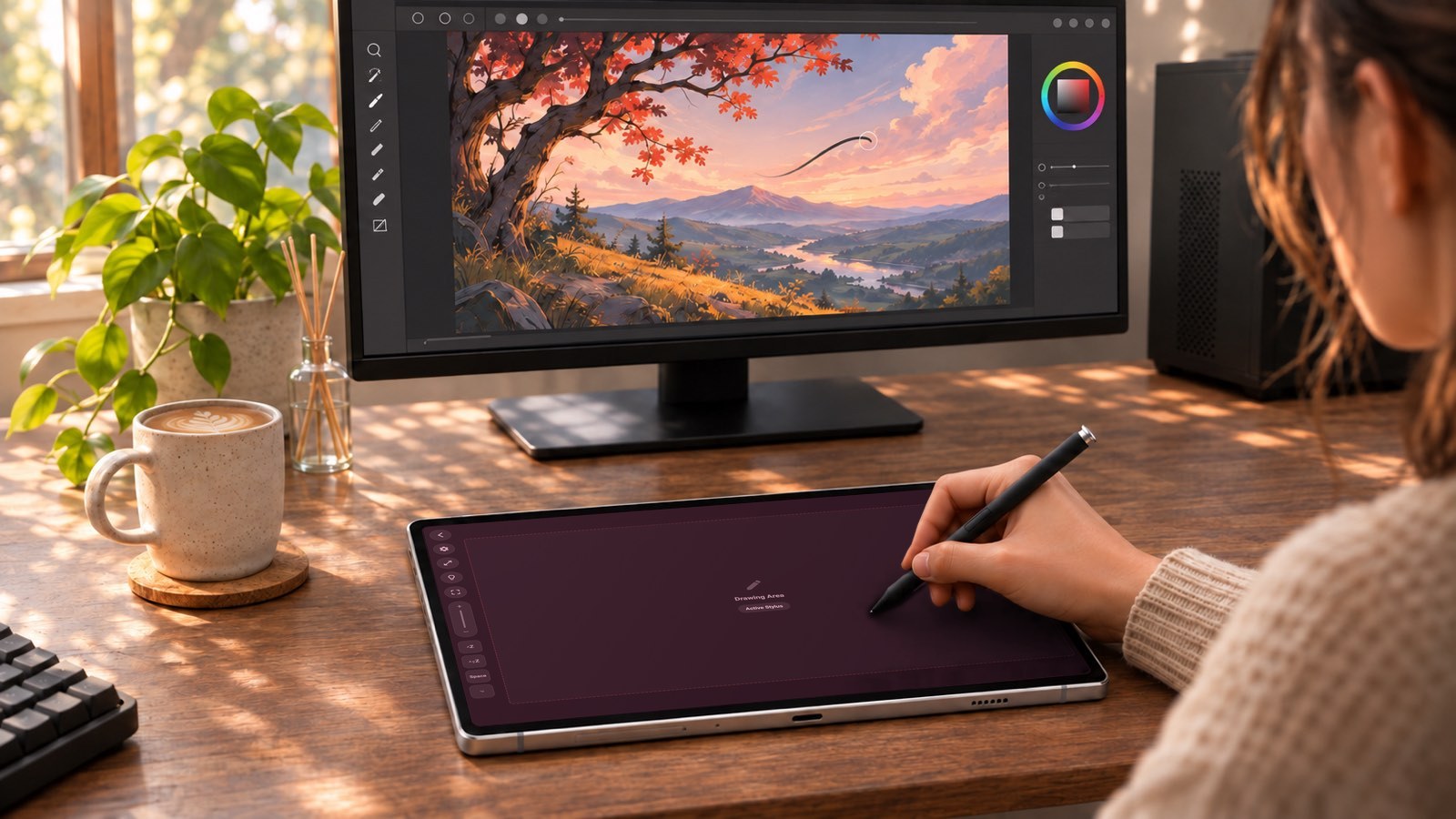
VirtualTablet is a pen tablet. It does not show your PC screen on the device. The tablet becomes a drawing surface that maps to your monitor, and you keep your eyes on the monitor while your hand moves on the tablet, the way you would with a Wacom Intuos or any screenless graphics tablet. Only pen data travels over the cable or the network, not video.
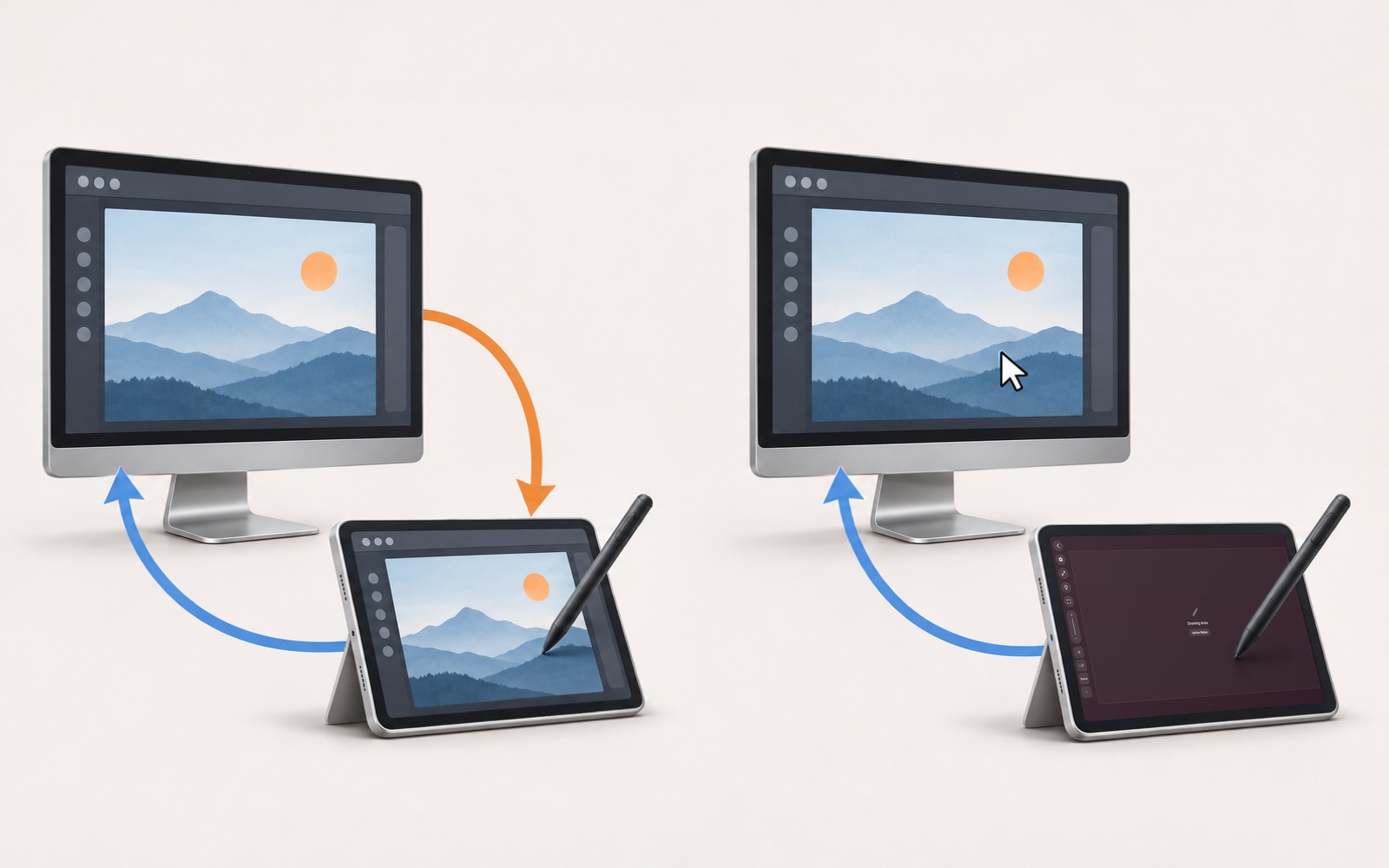
Both styles are valid ways to draw. Many artists prefer drawing on the screen because the line appears under the pen. Many others prefer a screenless tablet because they can sit back, keep a large monitor at eye level, and avoid the hand covering what they are drawing. If you have never used a screenless tablet, expect a few days of getting used to it.
VirtualTablet vs SuperDisplay at a Glance
| SuperDisplay | VirtualTablet | |
|---|---|---|
| What it does | Second screen with pen input | Pen tablet (input only, no screen) |
| Tablet or phone | Android | Android, iPad, iPhone, Windows tablets |
| Computer | Windows | Windows, macOS, Linux |
| Connection | USB; Wi-Fi as a backup (the developer warns it is not secure) | USB or Wi-Fi; paired Wi-Fi connections are encrypted |
| Pen pressure | Yes, through Windows Ink or Wintab | Yes |
| Pen tilt | Not documented | Yes, when the pen reports tilt |
| Pen hover | Not documented | Yes, with a pen that hovers (S Pen, Apple Pencil on supported iPads) |
| Devices per PC at a time | One | One |
| Price | $19.99 once, 3-day free trial | Free basic use (with ads); $1.99 / month, $11.99 / year, or $29.99 once |
| Best for | Drawing directly on your Windows desktop | Wacom-style drawing, Mac and Linux, iPad, osu! |
SuperDisplay details come from its website and Google Play listing, checked November 21, 2026. Prices are US prices and may differ in your region.
When SuperDisplay Is the Better Choice
To be clear about it: if what you want is to see what you draw under the pen on an Android tablet with a Windows PC, SuperDisplay is the right tool, and VirtualTablet is not a replacement for it.
- You want a pen display, not a pen tablet. VirtualTablet never shows your PC screen on the tablet.
- You want an extra monitor. SuperDisplay can extend your desktop, so the tablet also works as a portable second screen for chat, references, or tool palettes when you are not drawing.
- You only use Windows and Android. That is exactly the setup SuperDisplay is built for
- You prefer one payment. $19.99 once is simple, and the 3-day trial lets you check your device first.
When VirtualTablet Is the Better Choice
You use a Mac or Linux
SuperDisplay supports only Windows, and its developer says ports to macOS and Linux are not planned. VirtualTablet works with Windows, macOS, and Linux using the same app on your device.
You have an iPad or iPhone
SuperDisplay is Android only. VirtualTablet works with an iPad and Apple Pencil, including Apple Pencil hover on iPads that support it, and with an iPhone for basic input. The Apple Pencil guide lists which iPad works with which Pencil.
You prefer a screenless, Wacom-style setup
If you already like drawing on a regular graphics tablet, VirtualTablet keeps that workflow: the tablet maps to your monitor, and your drawing stays on the big screen at eye level. Our guide to turning your tablet into a drawing tablet explains the setup.
You need responsive pen input more than a picture
Because VirtualTablet sends only pen data, not video, it does not have to encode and decode a screen image. Over USB, the pen arrives at a steady rate: the pen input rate setting goes up to 240 Hz while the pen touches the screen, and a hovering S Pen or Apple Pencil is passed through at your screen’s refresh rate (up to 120 Hz). That is also why players use it as an osu! tablet; see how to use your phone or tablet as an osu! tablet.
You want to try it for free first
The basic drawing workflow in VirtualTablet is free, with ads. The paid plan removes ads and adds features such as keyboard shortcuts, canvas zoom, monitor area selection, and Gaming Mode on Windows.
You do not want to install a display driver
SuperDisplay adds a virtual display driver to Windows, and its help page notes that Windows Update and Windows Ink must be working for pen input. VirtualTablet installs a server app on the computer and does not add a display. If you want to install nothing on Windows or Linux at all, VirtualTablet: Bluetooth connects over Bluetooth instead; see which VirtualTablet app to choose.
Can You Use Both?
Yes. They do different jobs, so some people keep both: SuperDisplay when they want a portable second screen, and VirtualTablet when they want to draw on the main monitor or work on a Mac. Run one at a time, so that two apps are not reading the same pen input.
Which One Should You Choose?
| If you… | Choose |
|---|---|
| Want to draw directly on your Windows desktop shown on an Android tablet | SuperDisplay |
| Want your Android tablet as an extra monitor | SuperDisplay |
| Use macOS or Linux | VirtualTablet |
| Use an iPad or iPhone | VirtualTablet |
| Prefer a Wacom-style screenless tablet | VirtualTablet |
| Play osu! or need hover and a high pen input rate | VirtualTablet |
| Want to start without paying | VirtualTablet |
FAQ
Is VirtualTablet a SuperDisplay alternative?
For pen input, yes; for a second screen, no. VirtualTablet turns your Android tablet, iPad, or iPhone into a pen tablet for Windows, macOS, or Linux, but it does not show your PC screen on the device. If you need the screen, SuperDisplay or another second-screen app is the better fit.
Does VirtualTablet show my PC screen on the tablet?
No. VirtualTablet works like a screenless graphics tablet: the device is a drawing surface mapped to your monitor, and you watch the cursor on the monitor.
Does SuperDisplay work on Mac or Linux?
No. SuperDisplay supports only Windows, and its developer says ports to macOS and Linux are not planned. VirtualTablet supports Windows, macOS, and Linux.
Does SuperDisplay work with an iPad?
No. SuperDisplay is an Android app. VirtualTablet works with an iPad and Apple Pencil, as well as Android devices.
How much do SuperDisplay and VirtualTablet cost?
SuperDisplay is $19.99 as a one-time purchase after a 3-day free trial. VirtualTablet is free for basic use, with ads, and its paid plan costs $1.99 per month, $11.99 per year, or $29.99 once. Prices were checked in November 2026 and may differ in your region.
Do both support pen pressure?
Yes. Both pass S Pen pressure to Windows drawing apps. VirtualTablet also passes tilt when the pen reports it, and pressure on macOS and Linux.
Try VirtualTablet
SuperDisplay is a product of its respective developer. Wacom, Intuos, and Cintiq are trademarks of Wacom Co., Ltd. This page is an independent comparison. SuperDisplay details and pricing were checked on November 21, 2026 and may change.