Blog
Practical articles about VirtualTablet and VirtualTablet: Bluetooth, including setup decisions, device checks, and workflow tips.
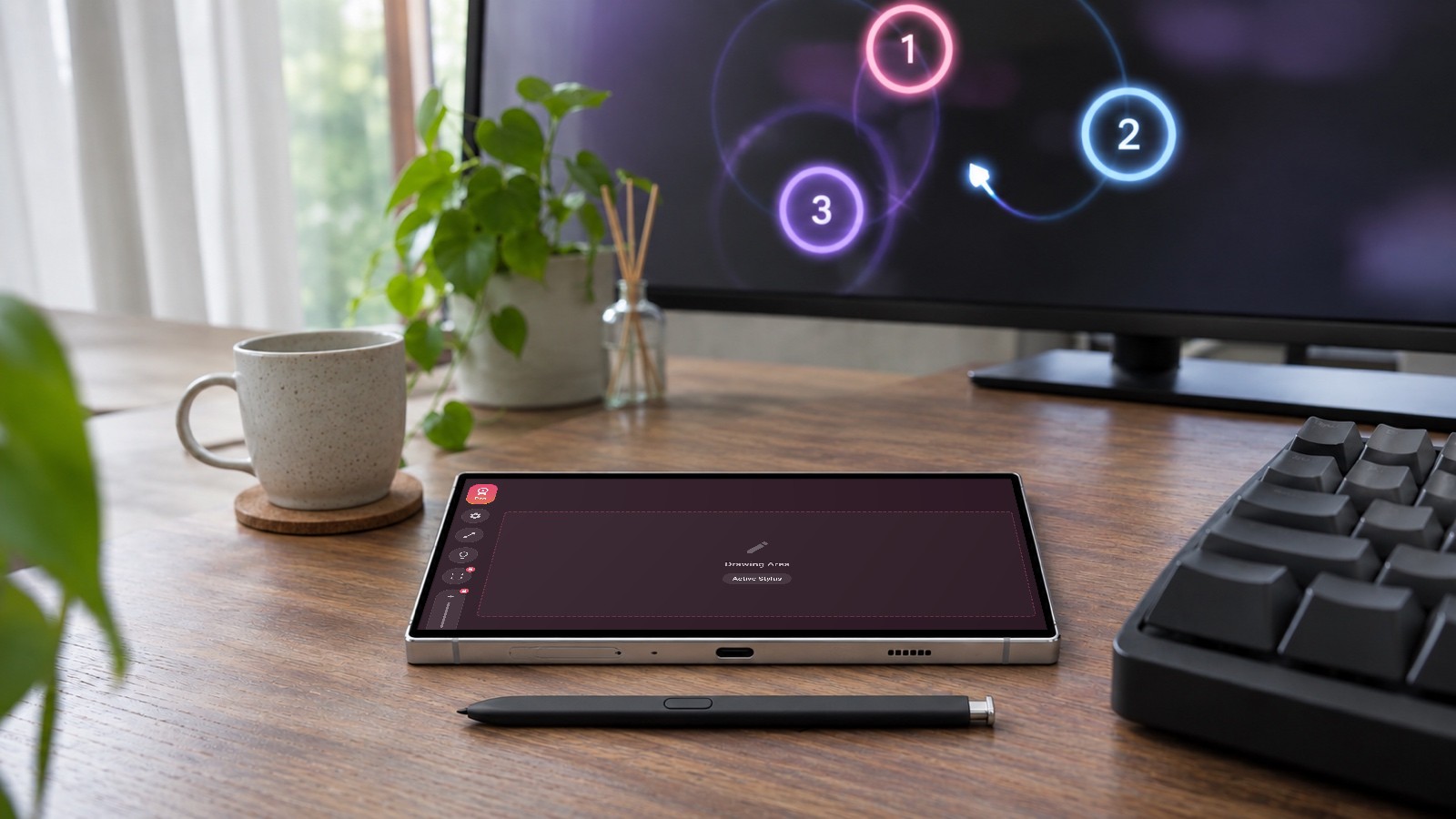
How to Use Your Phone or Tablet as an osu! Tablet
Use a phone or tablet with a hover pen (S Pen, Apple Pencil) as an osu! tablet. Which devices work, setup on Windows, macOS and Linux, best settings.
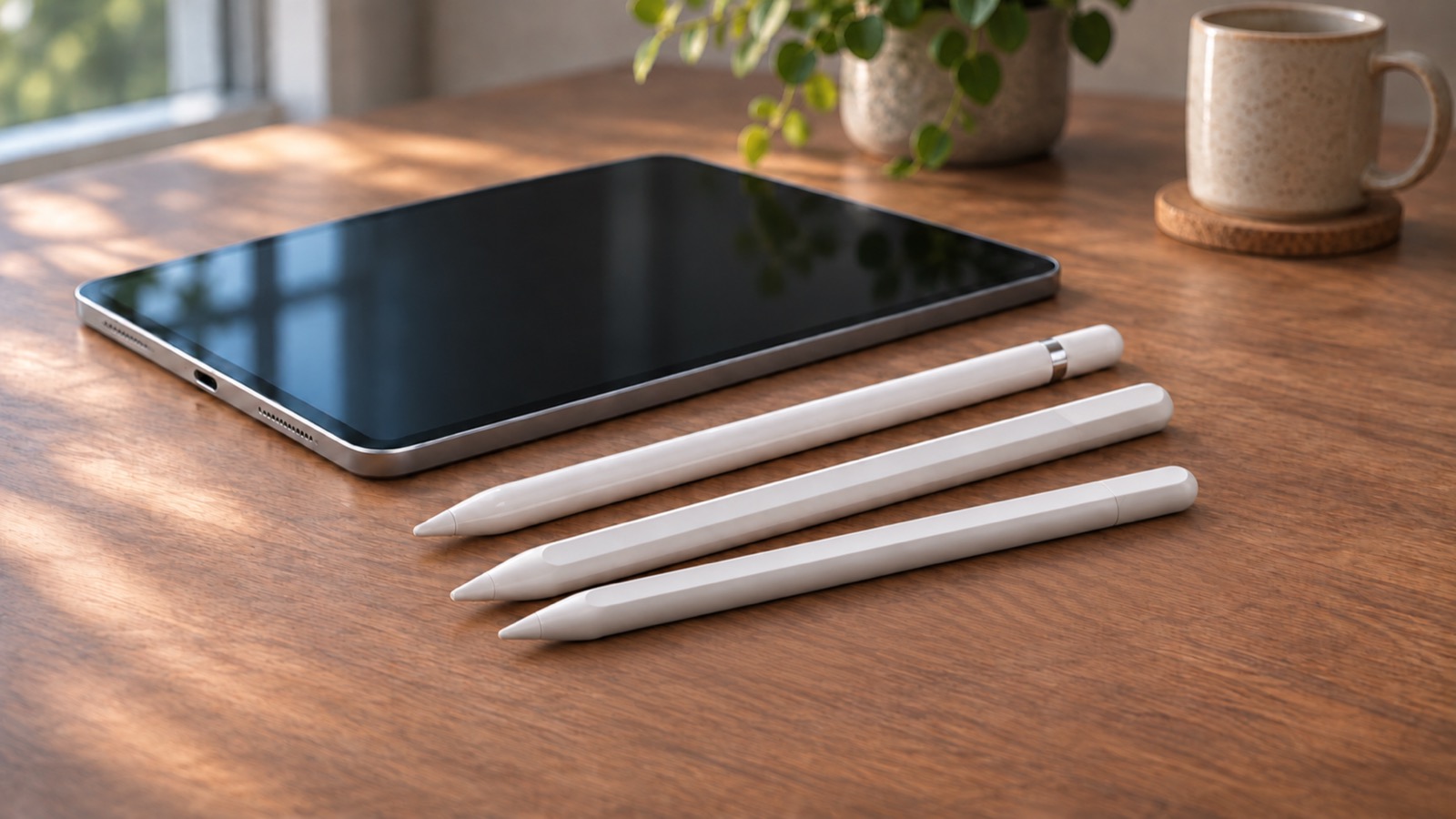
Apple Pencil Models Explained: Specs, Feature Differences, and Compatible iPads
Apple Pencil comparison: Pro, USB-C, 2nd and 1st generation differences in pressure, hover and controls, plus which iPads work with each model.
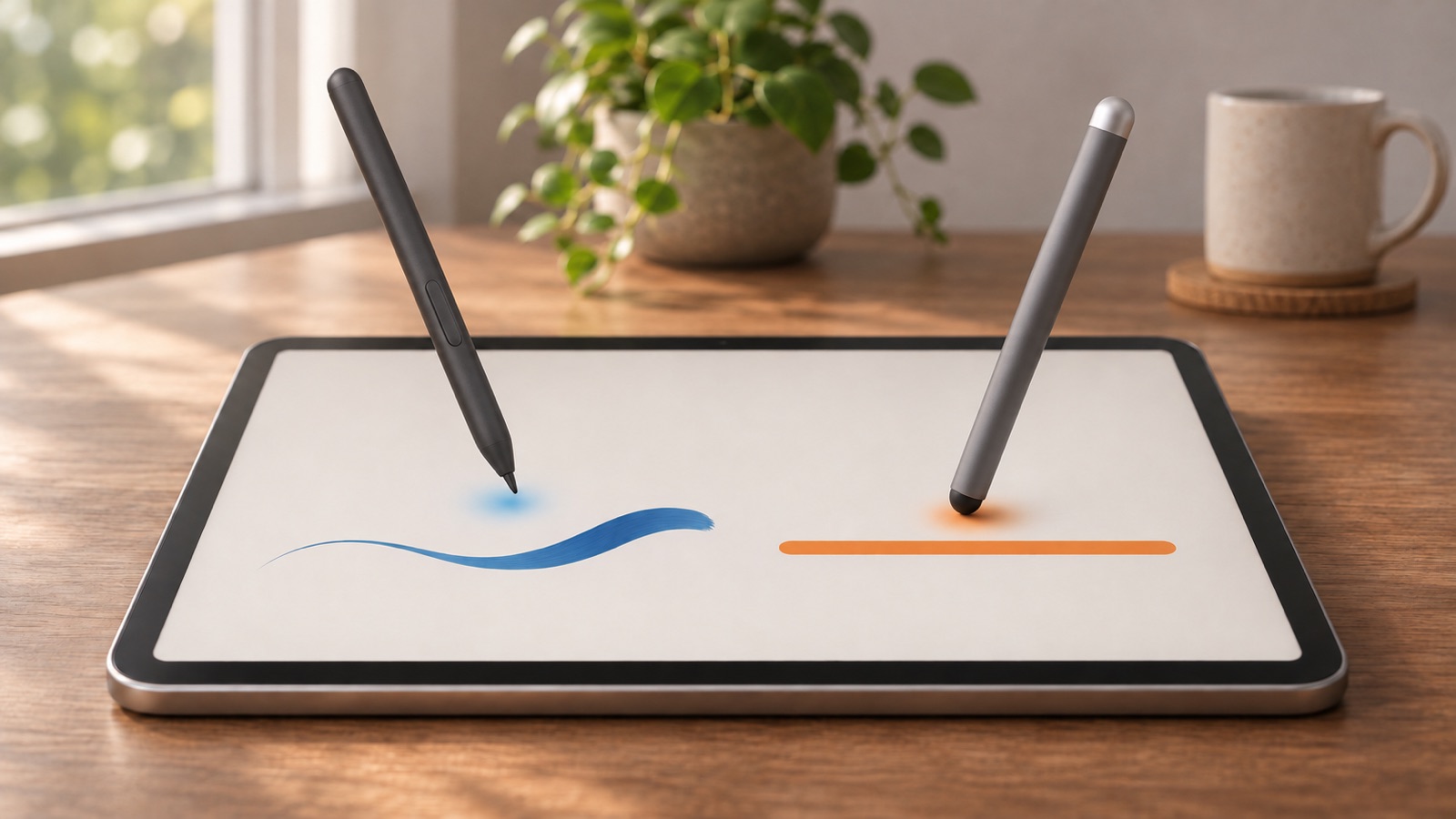
Active vs Passive Stylus: Which One Is Better for Drawing?
Learn the difference between an active stylus and a passive stylus, including hover, pressure sensitivity, tilt, palm rejection, and which stylus type works best for drawing and VirtualTablet.
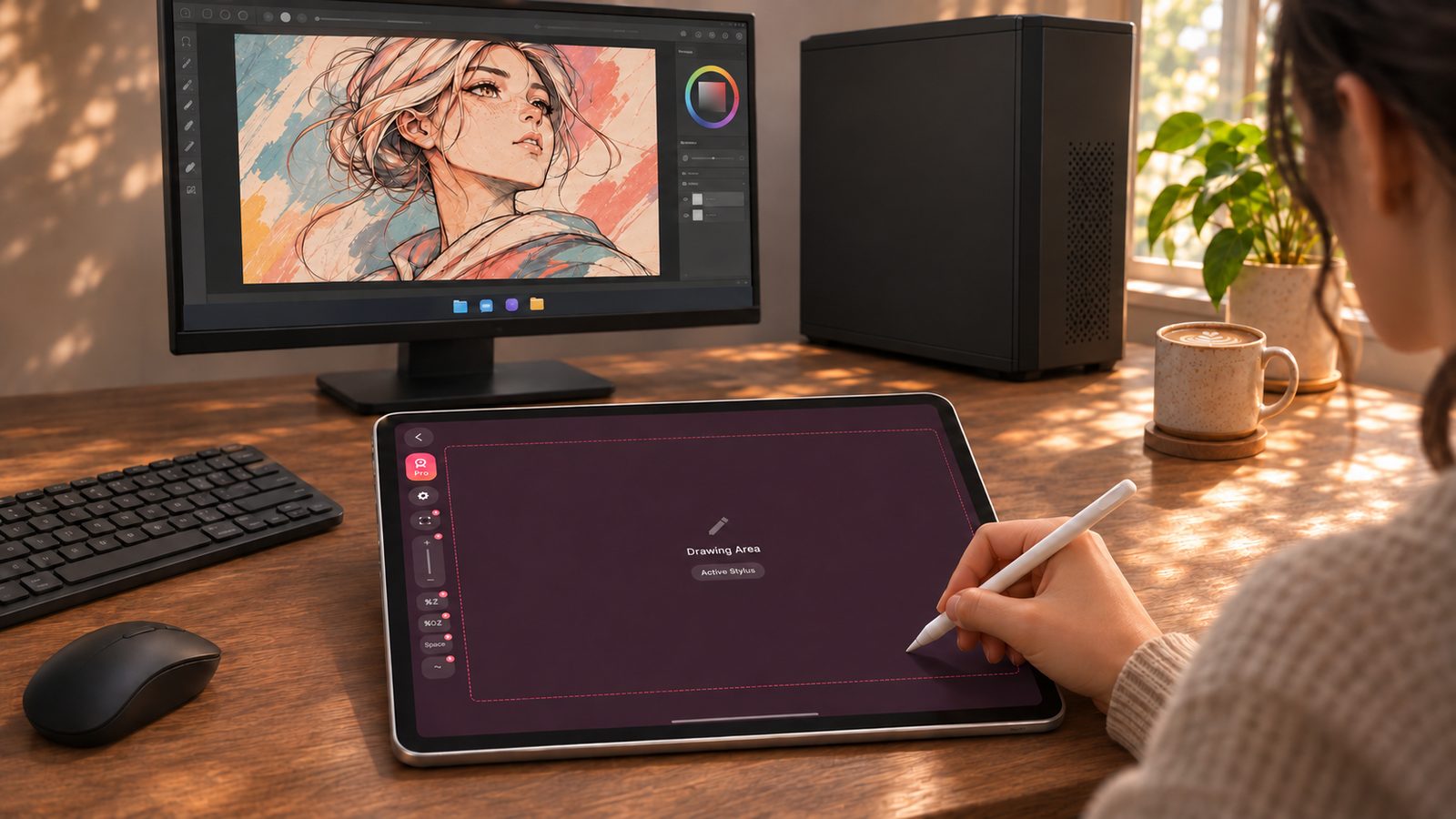
Astropad Slate Alternative — Free, Cross-Platform, No Mac Required
Looking for an Astropad Slate alternative? VirtualTablet works on Windows, macOS, and Linux with Android, iPhone, or iPad — free basic drawing, paid plans from $1.99/month, and no Mac required.
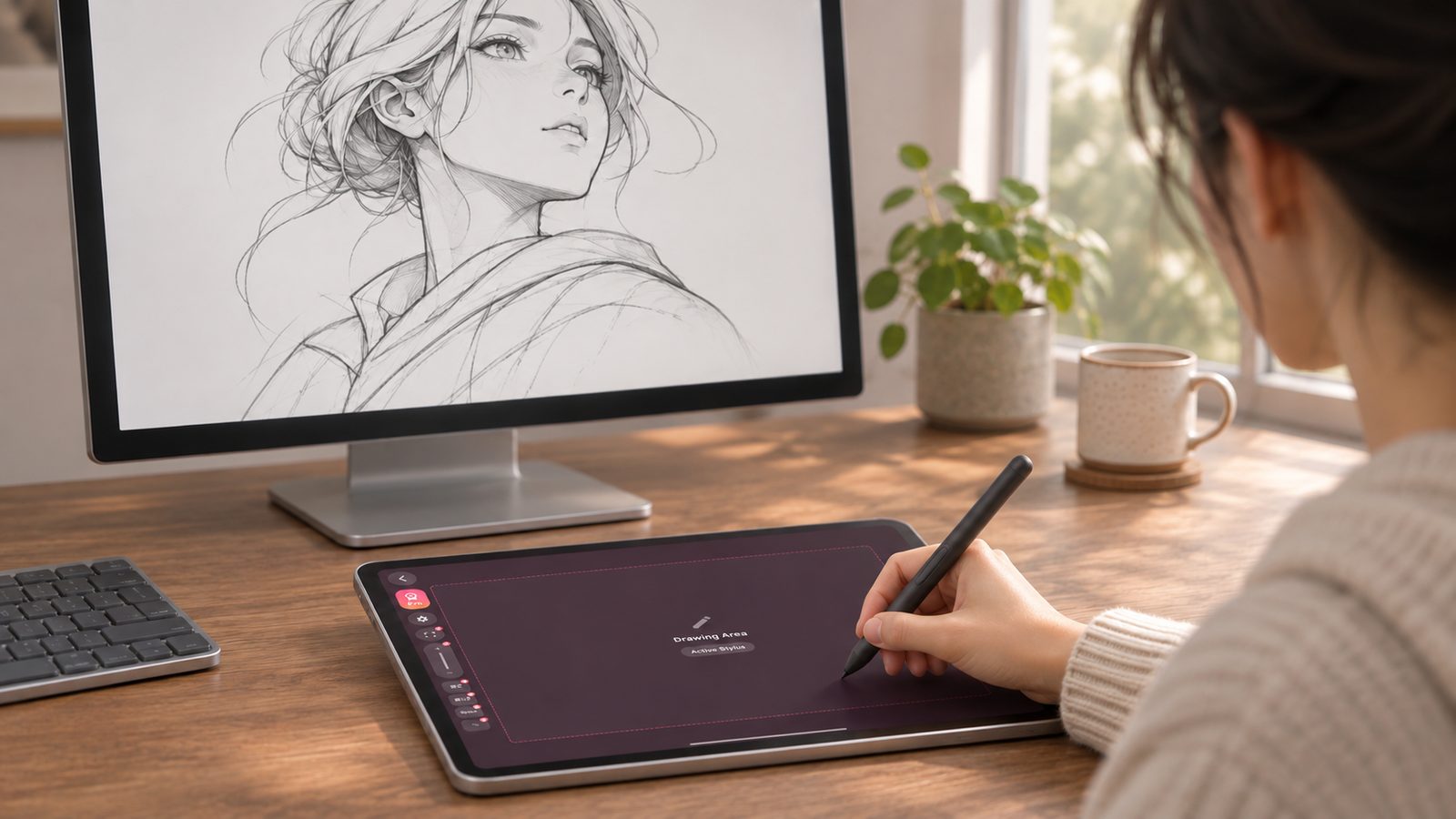
Turn Your Tablet Into a Drawing Tablet Without Buying New Hardware
Learn how to reuse an Android tablet, Galaxy device, or iPad as a drawing tablet, and check stylus, host OS, and connection requirements before setup.
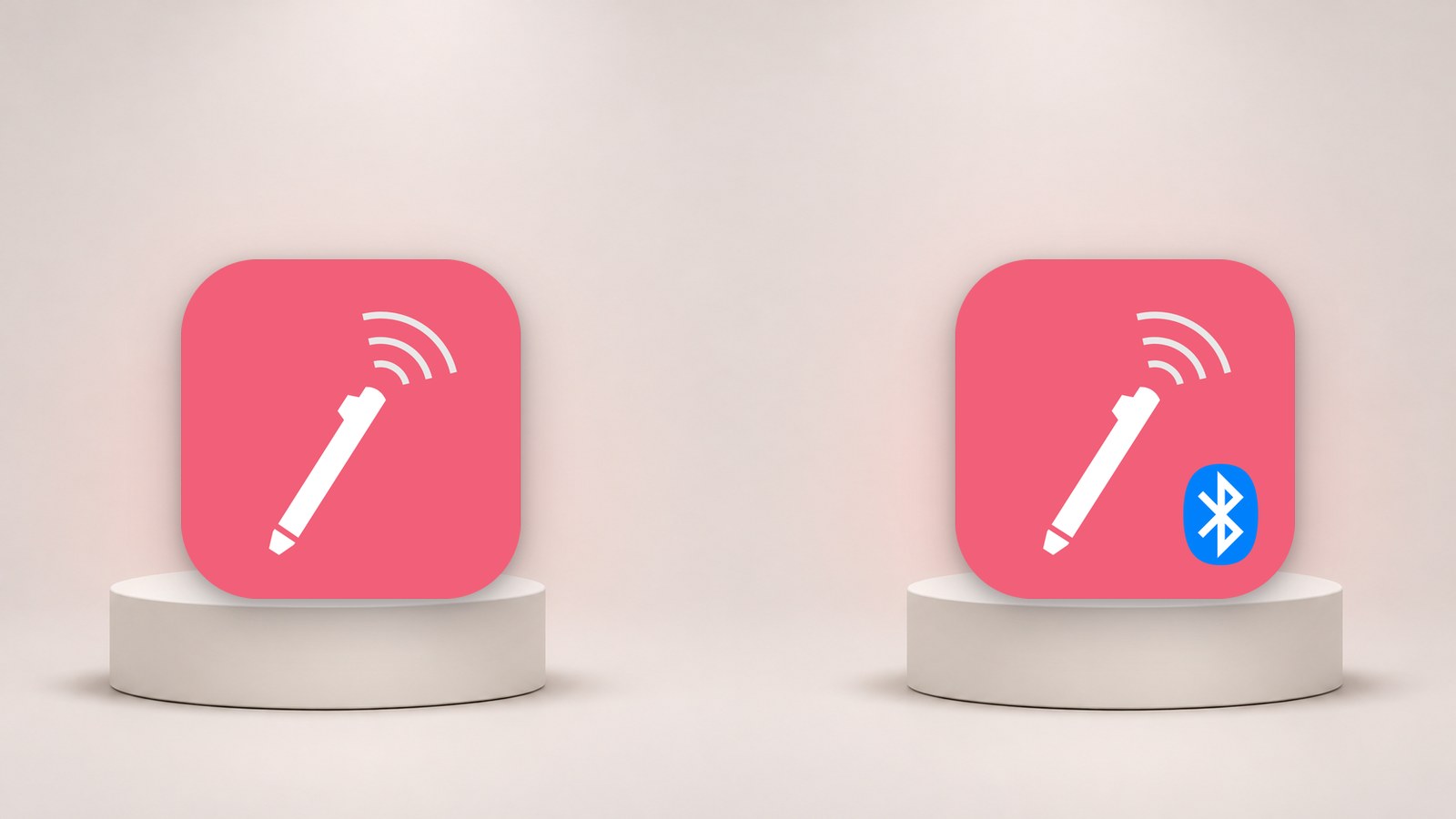
VirtualTablet vs. VirtualTablet: Bluetooth - Which App Should You Choose?
VirtualTablet and VirtualTablet: Bluetooth now share the same feature set, so the choice comes down to connection type, your computer's OS, and your tablet. Here is how to decide.